
Part of Web Wisdom
Your Website, Your Rules? Choosing a Content Management System That Works For You
WordPress, Wix, Squarespace or a custom CMS? Explore the options and find out how the right system can make managing your business website simpler and more independent.
Quick takeaway
“The best CMS isn't the one with the most features. It's the one that gives you the right amount of control to keep your website current, without relying on a developer for every change.”
Web Wisdom is for the longer, more strategic reads — the ones that outgrew Micro Myth-busters. Straight-talking articles on privacy, analytics, consent, and the quieter decisions that shape how a small business website behaves online.
WordPress, Wix, Squarespace, Shopify or a custom-built CMS? Here's what small businesses should consider before choosing how to manage their website.
I know the excitement that comes with launching a website well. You’ve got to the stage where you like what you see. The words are just right, you’re pleased with how it looks and everything works.
Then a few weeks later, something changes,
You want to change something. Nothing major: publishing a blog, updating a description or replacing an image.
But can you make those changes yourself or do you need to ask your developer?
This is a question worth asking before you build a website.
For a small business, your website is rarely a finished project. Services develop, ideas change, and new work deserves to be shared. The way you manage those changes can make a real difference to how useful your website is.
This is where a content management system becomes relevant.
What is a content management system (CMS)?
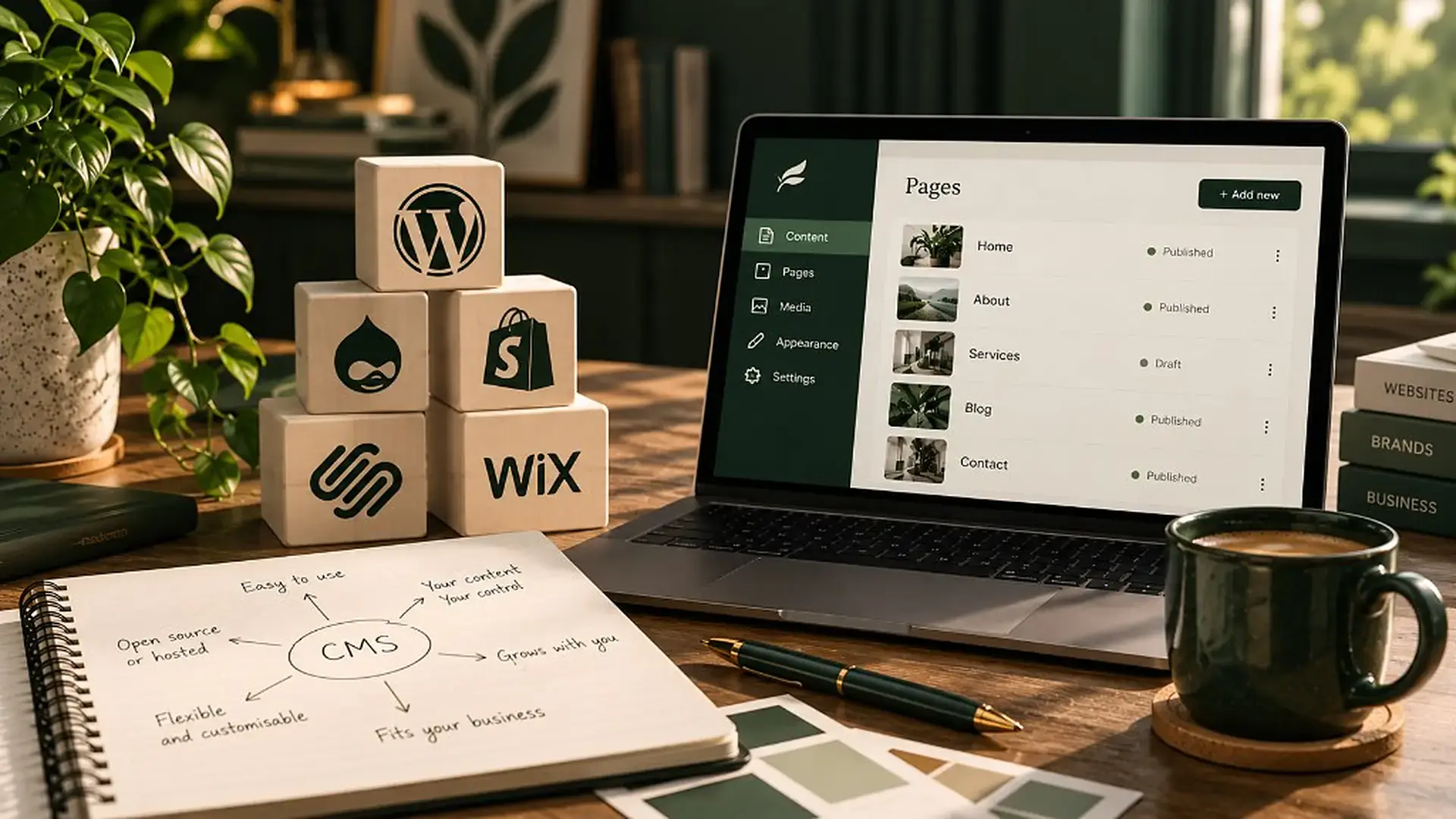
A content management system, or CMS, is the software that lets you add, edit and organise the content on your website without having to write code.
You might use it to:
- Publish blogs, articles and news.
- Update descriptions of your products or services.
- Add images, case studies and portfolio projects.
- Edit page headings, links and other text.
- Keep important information accurate and up to date.
The aim is to make managing your website easier.
But not every CMS works in the same way. Some offer hundreds of features, templates and plugins. Others concentrate on a smaller set of tasks that suit a particular website. But we all know having more features doesn't necessarily mean a better experience for a small business owner.
The familiar options: WordPress, Wix, Squarespace and Shopify
If you've already looked into building a website, you will have come across these names. They're popular for good reason. They offer established ways to build and manage websites, often without needing extensive technical knowledge, but they individually serve slightly different needs.
WordPress: flexibility and room to grow
WordPress is widely used for blogs, business websites and more complex projects.
Its strength is flexibility, with its huge range of themes, plugins and development options.
Now, the trade-off. Depending on how your site is built and hosted, you may need to manage large aspects of updates, security, plugins and maintenance yourself. It can be more involved than some business owners reasonably expect.
Wix: a visual approach to website building

Wix offers a visual editor, templates and built-in business tools.
It's often appealing to people who want to create and manage their own site without commissioning a bespoke build.
But this convenience comes with heavy dependence on Wix's platform and the features it supports. You cannot download the source code to host it on another server for example. And you can’t export blog posts or entire page structures. This creates what we call “platform lock-in”.
Squarespace: design-led and straightforward
Squarespace is known for its templates and integrated approach to websites, content and commerce.
It can work well for creatives, independent professionals and smaller businesses that want an attractive site with fewer technical decisions.
However, more unusual requirements are harder to accommodate within its existing tools and it can often become quite a bloated build that looks fairly obviously “Squarespace” or “DIY” to the trained eye.
Shopify: built with online selling in mind

Shopify is primarily an ecommerce platform, with tools for managing products, orders, payments and online sales.
If selling products is central to your business, that's a compelling reason to consider it. But if your website is mainly about sharing expertise, services or editorial content, you may not need or benefit from a mainly commerce-focused system.
With all these platforms, there is no right or wrong, the central question is whether the CMS’s strengths match what you actually need to do.
What about a custom-built CMS?
A custom CMS takes a different approach.
Rather than starting with a general-purpose platform and working within its available tools, a developer creates a content management system around the needs of a particular website and the people using it – and managing it.
This is the thinking behind the CMS developed by Danny at Cahillbrand.
Our approach starts with a simple, practical question: what does this person need to be able to manage independently?
For one client, that might mean publishing occasional blogs and changing a few images. For another, it might mean regularly updating services, projects and several types of content.
Technical confidence underlies all these considerations. Some people feel comfortable exploring settings and learning new software. Others want a small number of clear options, with little chance of accidentally changing something important!
The aim isn't to give every client every possible feature. It's to give them the right amount of control.
Why Christabel Creative uses our custom CMS
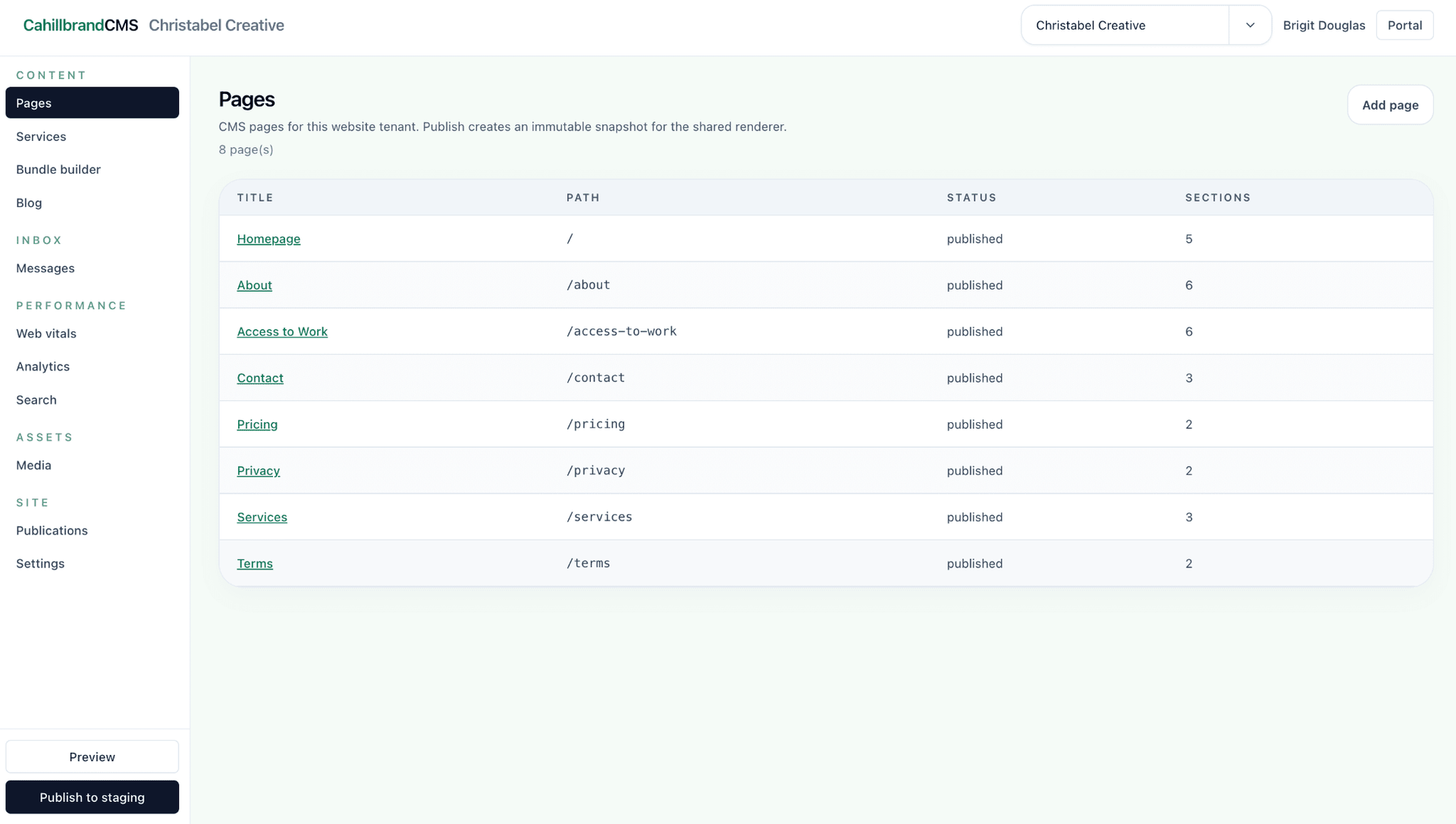
“As a brand writer, someone who works with words and content every day, I want to be able to keep my website current and freshly populated. That means having the freedom to publish an article when it's ready, improve a paragraph when I spot something off, or add an image to illustrate a particular point. I really value working with a developer, especially one as careful and incisive as Danny, but I don't want to need him for every editorial decision I make. That's what really appealed to me about Cahillbrand’s custom approach. The Cahillbrand CMS separates the content I need to manage from the technical parts of the website that I don't need to touch. There’s a beautiful visual builder and a helpful preview feature to buffer against making changes I later wish to do undo. Its simplicity means I can concentrate on the work itself: what I'm saying, who it's for and whether it's useful. There's another benefit. When making a change feels manageable, I'm more likely to make it! For a small business, that sense of independence and increased motivation to make updates is important. As someone who works directly with founders and businesses on messaging and content strategy, I can say with confidence that your website should reflect what you're doing now, not just what you were doing when it first launched. Our business websites are an important, ever-evolving digital asset that necessarily undergo more changes in their “lifetime” than ever before. I’m so grateful to have a space where I can make changes that also feels held and is structured to suit me. I know if I have an issue with it, Danny is just a message away.”
Brigit Douglas, founder of Christabel Creative
Read about the full project here.
Does a custom CMS make sense for every business?
No, not necessarily. A bespoke system can offer a more focused experience, but it also requires development time and ongoing technical support.
With a well-established platform, you benefit from the extensive documentation out there, built-in third-party integrations and a large community of developers familiar with it.
With a custom CMS, you'll want to understand who maintains the system, how updates and security are handled, and what happens if you decide to work with another developer in future. It's also worth asking how easily you can export your content.
True independence includes knowing that your website and content remain manageable in the long term.
Five questions to ask before choosing your CMS
Before deciding on a website platform, it’s best practice to think about the day-to-day reality of running your business.
- What will I update most often? Blogs, service pages, products, images or something else?
- How confident am I with website software? Do I enjoy learning new tools, or do I want something more focused?
- How much time can I realistically give to website management? An impressive list of features isn't useful if I never have time to learn them…
- What happens when my business changes? Can the system accommodate new content and requirements?
- Who looks after the technical side? What support, maintenance, security and backup arrangements are in place?
Your answers will tell you more than a list of software features ever could.
The best CMS is the one you'll actually use
There's no single right way to build and manage a website.
For some businesses, WordPress will offer exactly the flexibility they need. For others, the simplicity of Squarespace or Wix will be ideal. Shopify may be the clear choice for a growing online shop.
For businesses with more specific content needs or a complex sitemap, a custom-built CMS can provide a simpler, more personal way to manage their website.
What matters most is finding the right balance between independence and support. Because your business will change. Your ideas will develop. You'll have new things to say. It’s freeing to be able to make those changes to your website without turning every update or new thought into another job on the tasklist for your developer.
Thinking about a new website?
Danny explores different approaches to website development from the build perspective in Which type of website build is right for you?.
It's a useful starting point if you're weighing up the options and want to understand what might work best for your business.
If you like the sound of our custom CMS, the option is available for most of our clients (depending on your comfort level with tech and the content you need). Why not book a short intro call to explore it further?
Book an intro call